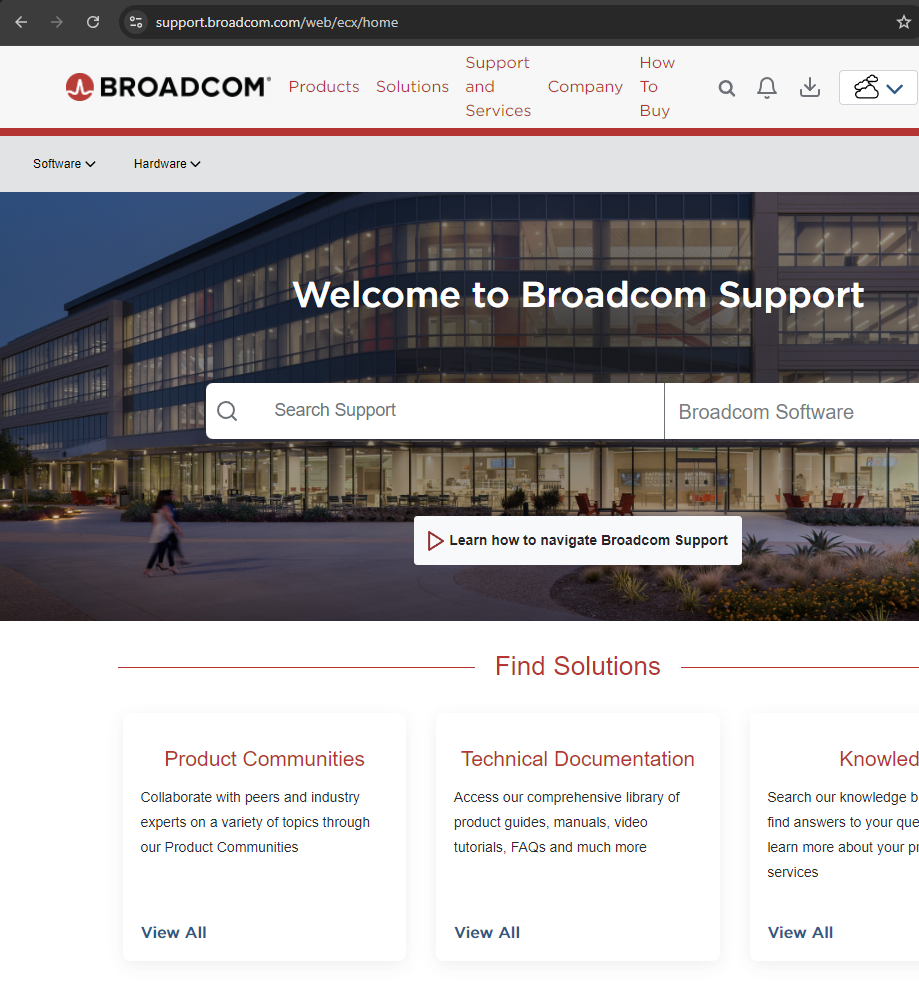
When trying to download VMWare Workstation on Broadcom’s website you may be left feeling like you are in a labyrinth. I signed up and logged in only to be left on the Support Portal with no obvious means to get what I wanted. They asked me to “build my profile” but that led no where as it wasn’t a site ID and of course the site ID page was broken too.
Behold, the Broadcom page of doom!
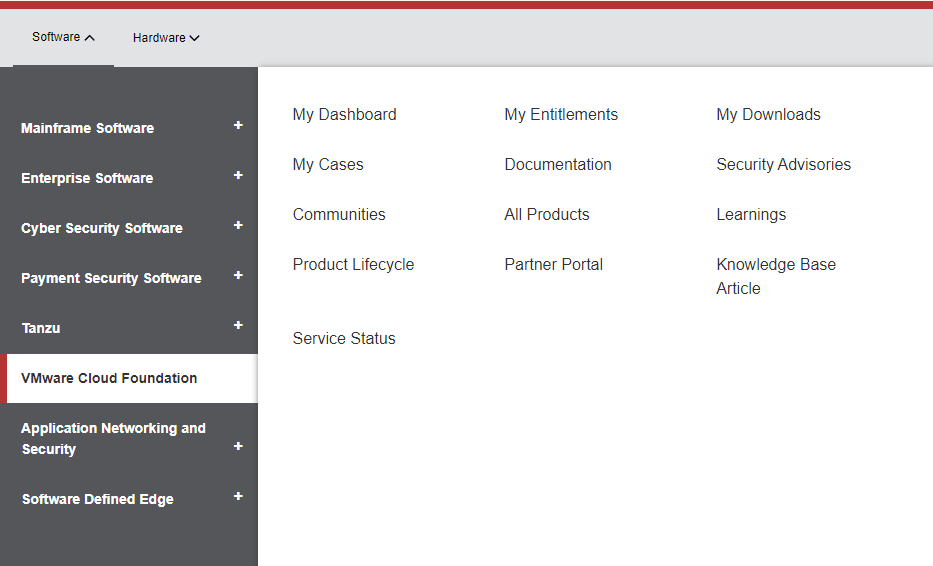
The confusing pages led to nowhere and just by luck did I click the software button in the top left.
Which had a VMware Cloud Foundation option and I clicked on My Downloads.
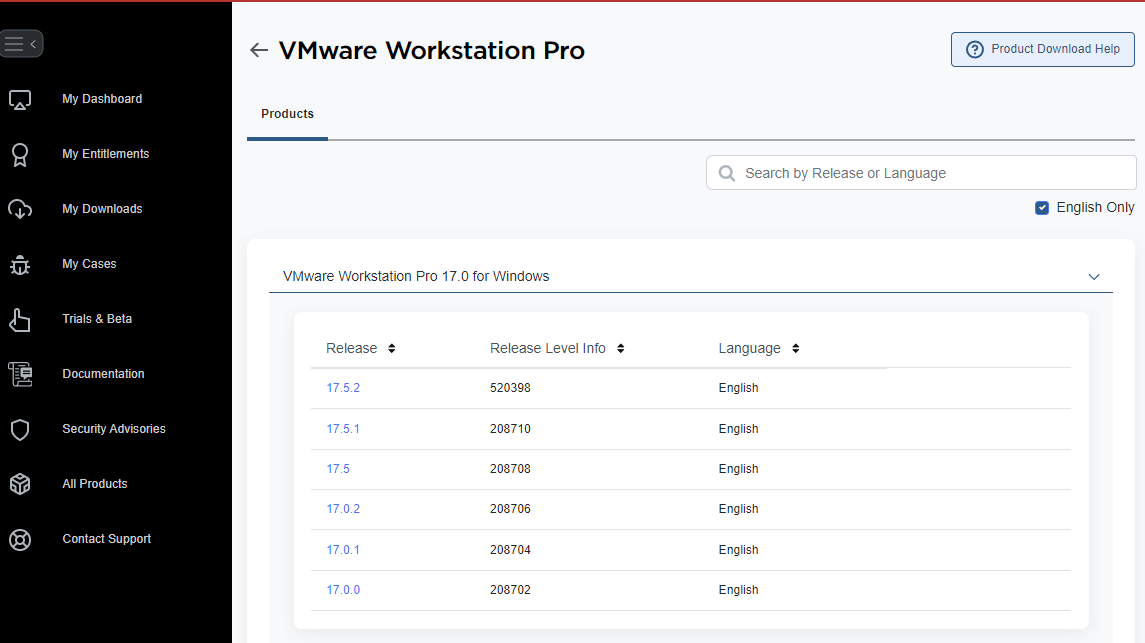
The clicking lead to my Support page being populated with VMware downloads including VMware Workstation Pro.
Clicking on that link actually brought me to a download page that worked, after further registration. I hope this helps someone.
Because WordPress is awful but I haven’t escaped it because paying ~$24 year to WordPress.com to patch it isn’t so bad. But of course karma caught up to me and I tried to change something and yaddi yaddi yadda, I’m tired of WordPress. So a migration is likely, or maybe not. Inertia is a helluva drug.
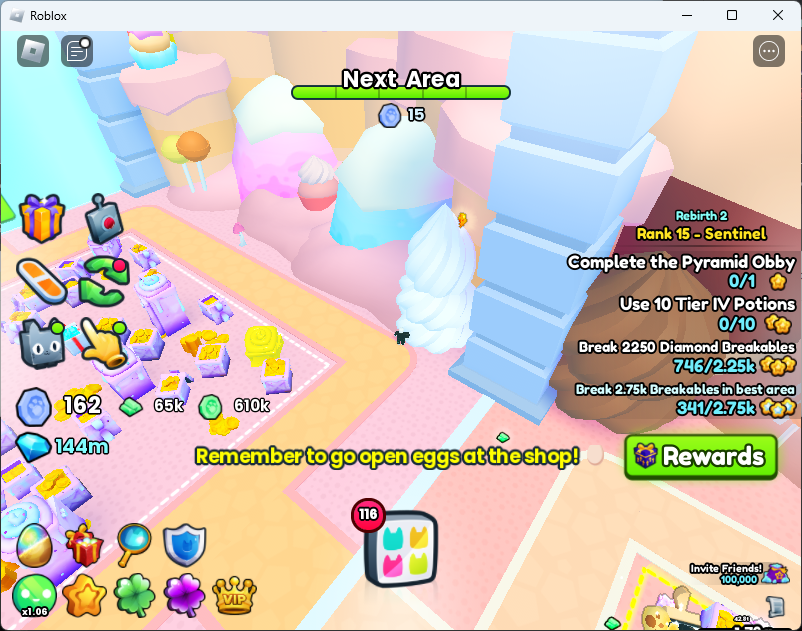
There are 20 new Shiny Relics to find as part of Update 5 of Pet Simulator 99. Collectively that makes 85 total available to collect. The first 65 are found in Areas 74 Witch Marsh and below. Here are the locations of the Shiny Relics for Area #75 Haunted Forest through Area #97 Heaven Golden Castle. There are not any Shiny Relics in Area #98 or Area #99.
#75 Haunted Forest
On the right side behind the rock bridge.
#77 Haunted Mansion
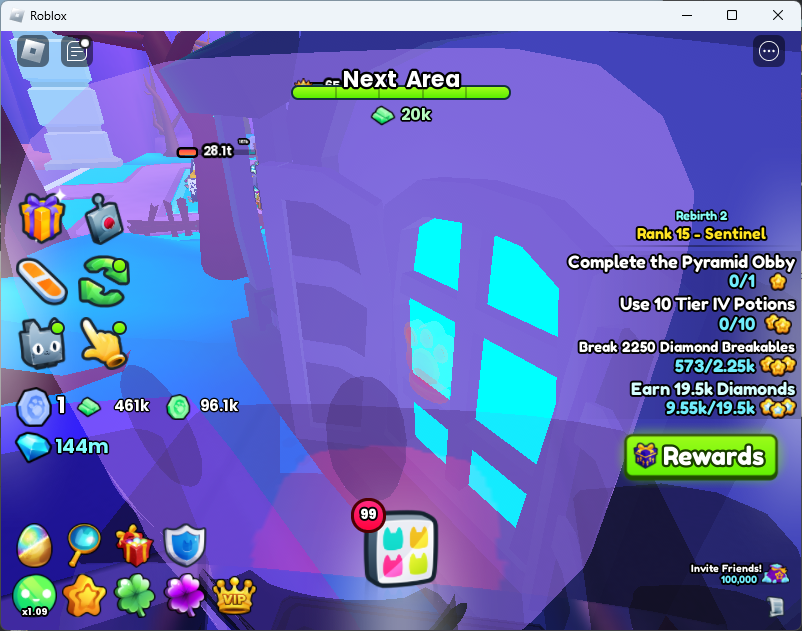
On the window on the right side of the house
#78 Dungeon Entrance
On the left entrance gate corner
#79 Dungeon
Left rear flag. You can see the sparkles coming out.Under the left rear flag. You have to look up at it.
Advanced Digsite
On the right side of past the middle right pillar.
#80 Treasure Dungeon
Behind the right first treasure chest.
#81 Empyrean Dungeon
On the right side under the second skull flag.
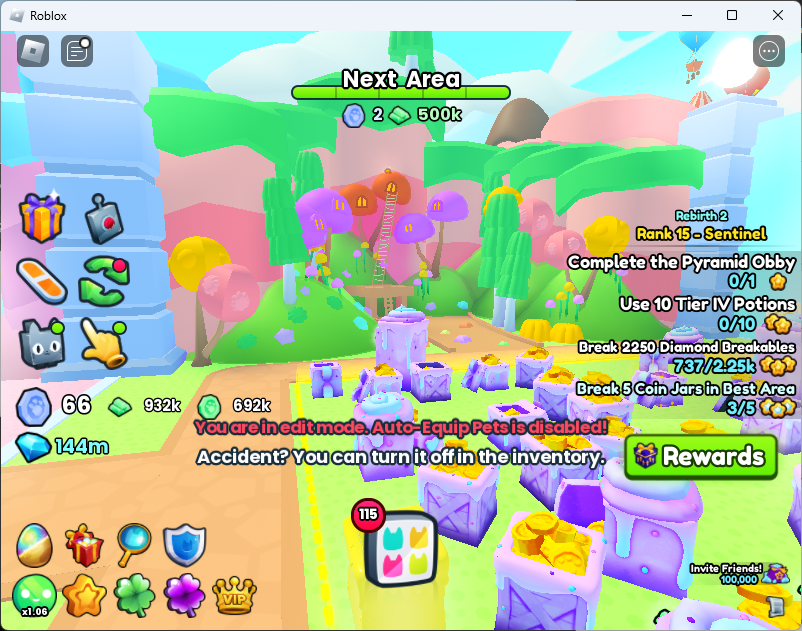
#83 Cotton Candy Forest
Behind the dual trunk blue cotton candy tree on the left.
#84 Gummy Forest
On top of the middle most red gummy tree on the left side.
#85 Chocolate Waterfall
Within the waterfall on the left side. You can see the outline from afar.
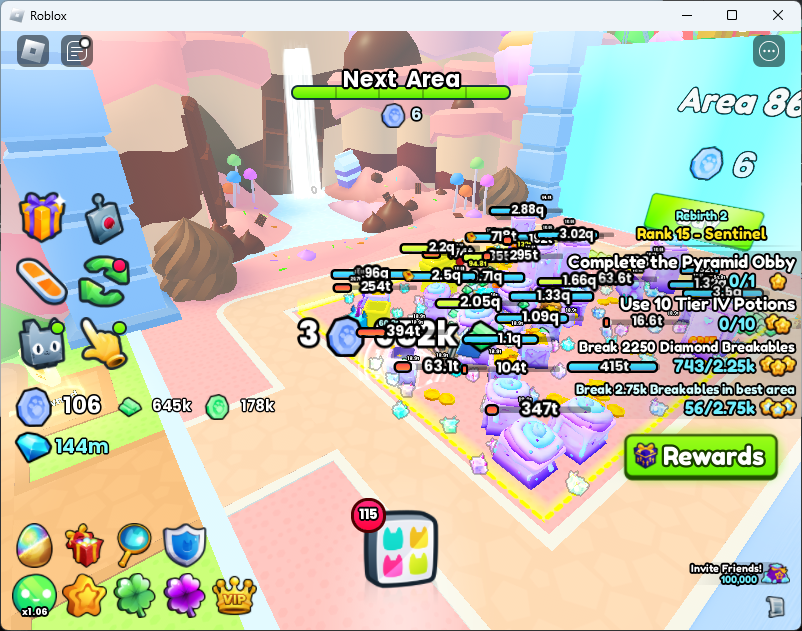
#86 Sweets
On the right of the rate on top of the vanilla swirl. To get to it jump up the side of the icecream.
#87 Toys and Blocks
Behind the right rear block tower.
Lucky Box Obby
Behind the purple bush in the back left of the Lucky Blocks Obby. Warning: this Obby has a 3 hour cooldown so grab it on your first go.
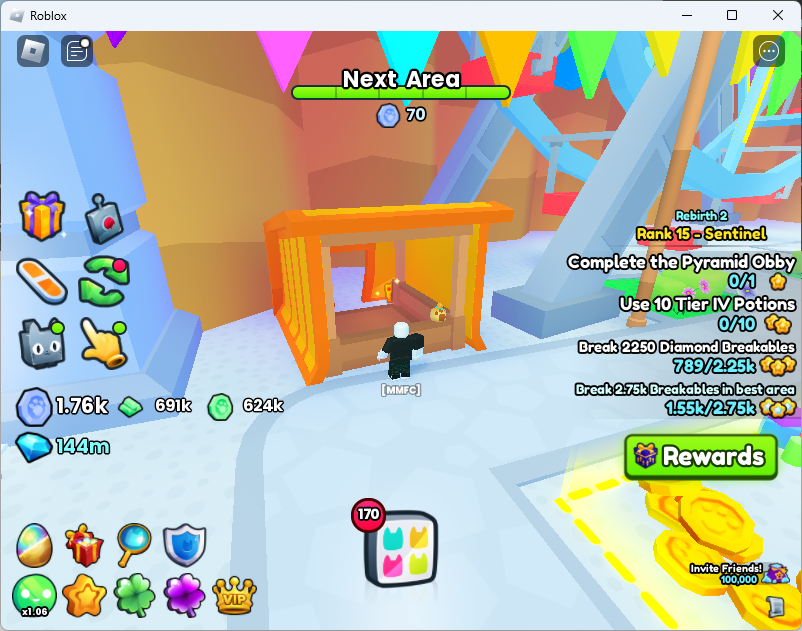
#88 Toys and Blocks
Within the orange and yellow booth to the right of the rear gate and the left foot of the Ferris wheel.
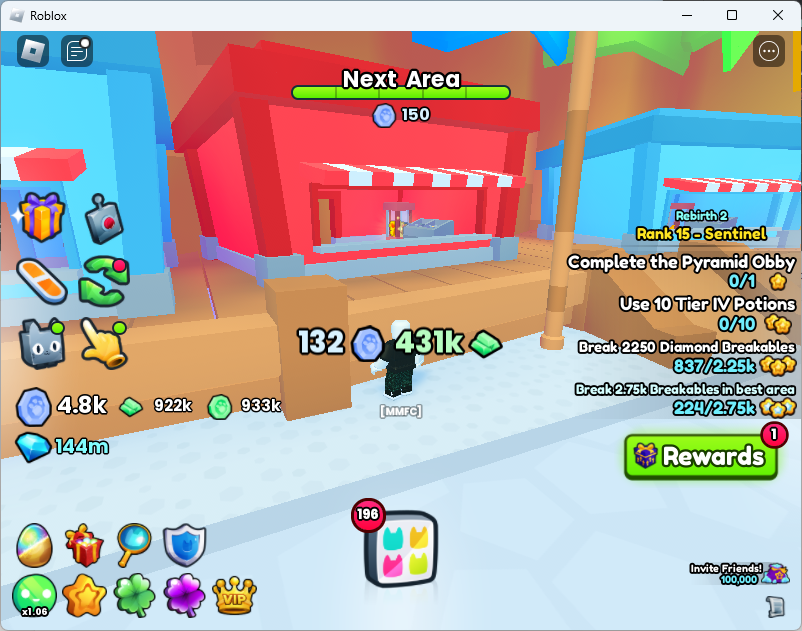
#89 Theme Park
Within the middle red booth on the right side.
#91 Cloud Garden
Behind the rear left column of the flower gazebo.
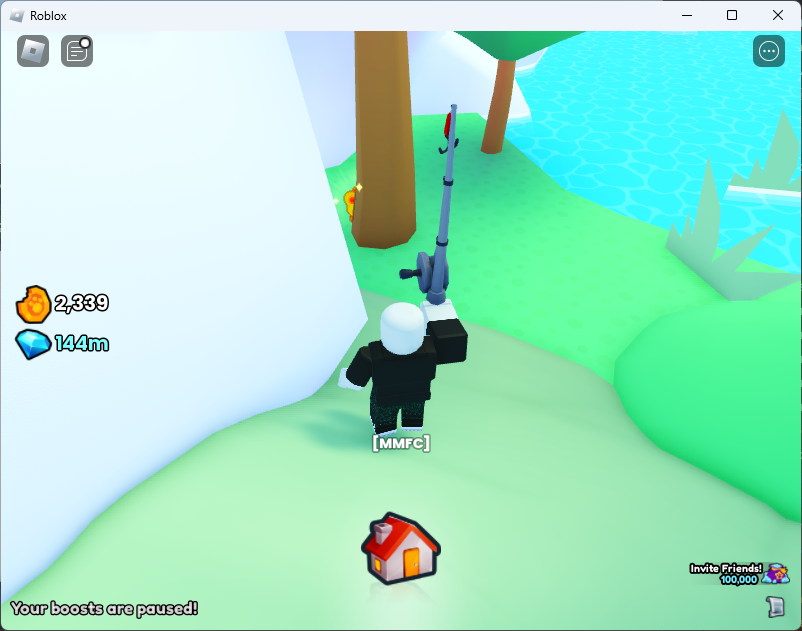
Advanced Fishing in #92 Cloud Forest
Behind a tree on the left side of the pond.
#93 Cloud Houses
On the roof of the red house on the left side closest to the gate to Area 94.To get the relic, you should jump on the house’s column and zoom out.
#95 Heaven Gates
Behind the left gate next to the chest.
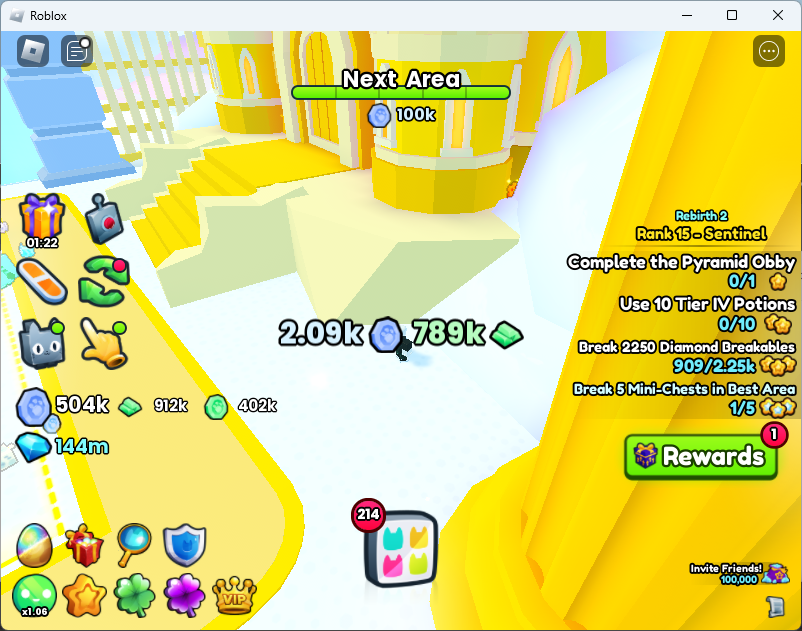
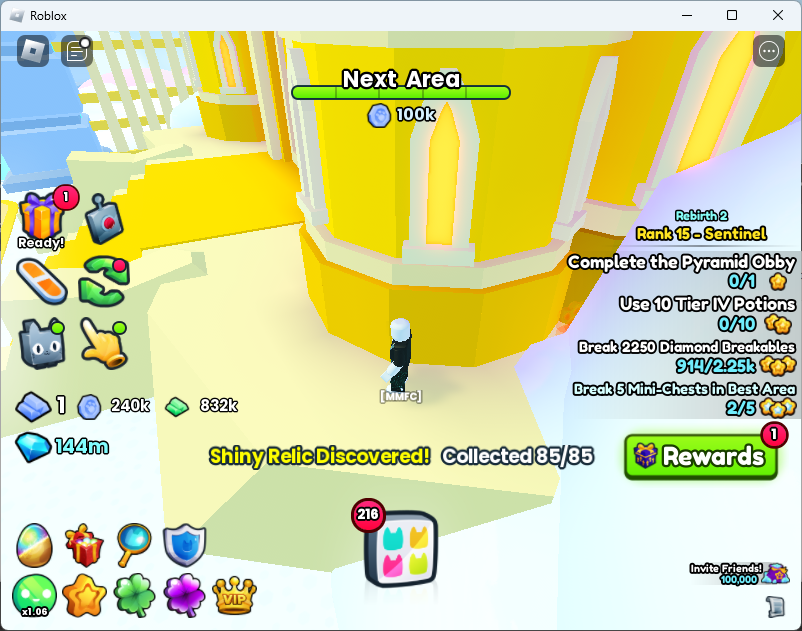
#97 Heaven Golden Castle
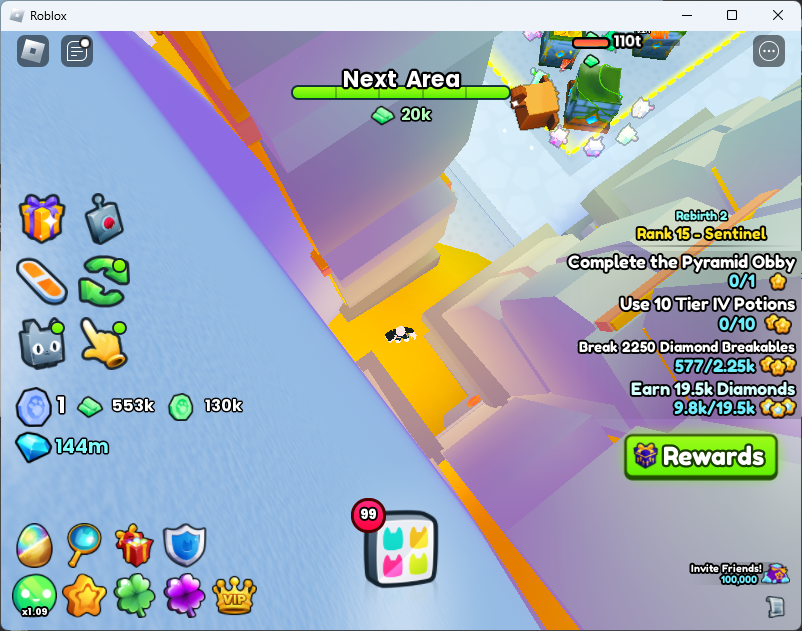
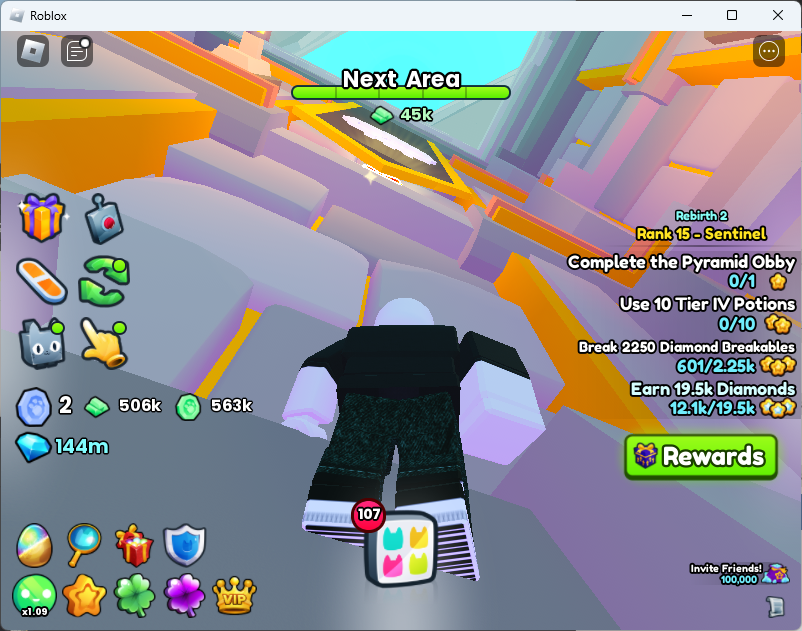
At the rear base of the right tower of the Heaven Golden Castle.After collecting the last relic the total of 85/85 is shown.
Assuming you had already collected the previous 65 in the Areas up to #74 Witch Marsh, you will now have all 85.
Stairway to Heaven “Entrances”
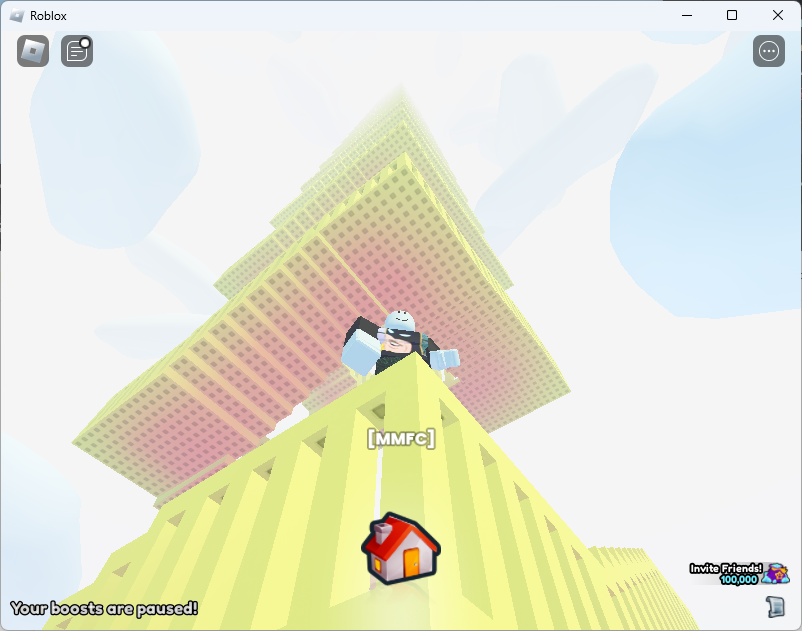
The Stairway to Heaven is a hidden area when you fall out of the map, which you can do on the right side of Area 91, Cloud Garden. Walk into the waterfall on the right side in the clouds to reach it.
“I wonder if there is anything at the top.”
“Keep Going!”
“The view must be amazing.”
“You’re making great progress. Maybe. Who knows?”
“Okay, I’ll be honest. You’re wasting your time.”
“Is it determination or stubbornness that fuels your ascent.”
“Do you hear that? It’s the sound of endless climbing.”
“What if the real treasure is the friends you made along the way?”
“You feel the presence and warmth of something above you…”d
Messages you receive while climbing the Stairway to Heaven.
The Stairway to Heaven is enormously very tall.No end in sight.
Don’t climb it. Just exit. Apparently there is a 1 in 1 million chance to get a huge. So like 55 hours to break even climbing. I climbed for about a two hours. Nothing to see.
If you really want to reach the stairway, you can fall out of the maps in these areas.
In the Advanced Digsite you can jump up the walls and jump off the side of the map.
On the right side of #91, Cloud Garden. Walk into the waterfall on the right side in the clouds to reach it.
On #99 Rainbow Road you can fall off the map on the left side of the rocket ship.
I was looking at some GitHub actions and noticed a literal, pipe |, with a dash, -, and had no idea what it meant. After a bit of searching, I found YAML Multiline which showed the effects of the feature when making multi-line strings. I.e. run: |- vs run: |
The dash is the block chomping indicator which lets yaml know if it should keep the newline at the end of the multi-line string. If you chomp it strips the new line. If you just use the pipe, it’ll contain the last new line.
Now does it really matter in GitHub actions? I don’t really think so. Most shells will strip the last newline character of a command.
So there you go. Pipe dash strips the last end line character of the multiline lateral command.
Howdy Everyone. I trained machines to predict Team Fortress 2, TF2, spell prices. I published the code at my joekiller spells repo. Don’t forget, you can get Splack, spell listings crack, at https://discord.gg/BSSrHRd.
My discord has nearly every spell listing since April 2022. It predates the backpack.tf websocket service and is sophisticated like your mother.
Oh Hi internet. I made the postcasts with the podcats work again. Don’t thank me all at once but remember, this is fucking MYSPACE TIME. FUCK FACEBOOK.
Howdy all y’all.
Did you know that a Large Language Model is simply a multidimensional forward and reverse dot product matrix of the probability of something will follow something else? The model simply says what the next word token will be based on the last word tokens where the relationship is modeled through “96 hidden state transformers”. The model is generated by processing the relationship the current symbols of their step (0…95) related to all the others at that time creating a fuzzy forward and reverse relationship to all the other next likely tokens in the language vs all other tokens. Each token path is carved and traced via reinforcement training that says, the next word in this sentence makes…
Talking about hidden state. What is the additive combination of everything of us but our input queries, our understanding, and our context?
Want less? Nah. You cannot oversimplify the fact that we are more. We are the combination of all the existence there is and then are composed of all that there will be. Make your channel and path.
This article outlines the steps taken to sniff and review SSL traffic of a NodeJS application I was working with. It covers setting up the intercept using Charles Proxy. Links for alternative means are included as well. The approach is similar for any proxy tool. The reason I outlined this is to give an overview for TF2Autobot specifically and to remind others that Node doesn’t support proxy out of the box for its native http and https calls using environment variables. I was searching for NODE_DEBUG=’https’ commands and came to the conclusion that just using a Debug Proxy (Charles Proxy or Proxyman) is the easiest.
To setup the proxy, I used a tip I learned when I was inflicted with Netskope and they have a nice article about how to how to make development tools work with SSL interception. They have instructions for integration MITM network security with Node.JS and other tools like AWS CLI. NodeJS they mention the following which is helpful because this is how you can easily add a Debug Proxy to your NodeJS process. In my case, I’m debugging TF2Autobot trying to get an understanding of how it is working with the backpack.tf public API. Netskope explains for NodeJS the best approach is to use the Combined Certificate bundle at let Node know about it “NODE_EXTRA_CA_CERTS” environment variable. Here is Netskope’s explanation.
export NODE_EXTRA_CA_CERTS=[your CA certificate file path]
The main difference between NODE_EXTRA_CA_CERTS and the cafile config property is that the former adds a cert, whereas the cafile config property replaces the certs. For those that just want to add a corporate cert to the chain, NODE_EXTRA_CA_CERTS is the easier option
To get the https traffic off my application I need to get the Charles Proxy SSL certificate. The details are explained in their SSL Proxying Documentation. I downloaded the “base 64 pem” by clicking Help then navigating to get the certificate via: Help > SSL Proxying > Save Charles Root Certificate…
The “Save Charles Root Certificate” dialog wants a directory selected. Typically it’ll open the Save chooser in your home directory. Don’t bother trying to put it in another directory because the save dialog didn’t respect my ask and just saved it under the first spot it suggests it’ll save it. My certificate was save under my username path, i.e. "C:\Users\username\charlesProxy.pem".
Disable some of Charles Proxy Windows sniffing
Charles is very good out of the box for windows. I found that I actually wanted to disabled the default Windows proxy. To do so I used the “Proxy” menu and then selected “Proxy Settings”. Under the Windows tab of the Proxy Settings dialog, disable “Enable Windows proxy” and “Enable Windows proxy on launch”. Since Windows Proxy was already enabled. Once I turned it off I had to restart the program to make it stop sniffing everything else. I tried to see if it would pick up the NodeJS traffic and it wouldn’t just out of the box. So disabling this feature allows the traffic to just be on the program I’m working on.
To make sure the traffic was captured, I added a wildcard match for Include Locations under the SSL Proxying Settings.
Configure TF2Autobot to use Charles Proxy
There are two items to take care of here, configuring NodeJS to enabled using extra CA Certificates and then adding HTTPS_PROXY to enable axios to pipe traffic through Charles Proxy. The extra CA certificates tells NodeJS to trust certs that Charles Proxy will create to man in the middle (MITM) the SSL traffic that is being proxied.
Once I had the certificate I was ready to configure my bot environment so that I may debug the traffic. I cannot put it in the .env of the bot as that only injects env into the program, not NodeJS itself. I think the ecosystem.json files are fine but I’m just running the following for my config.
Because I’m just running this as a development exercise in Webstorm, I’m going to set the Environment variables of my Run Configuration. VSCode has instructions that include how to modify a launch.json to include env variables.
Running and Intercepting the Application Traffic
Okay so almost ready. First I check to make sure Charles is ready by ensuring the red record button is enabled, the pad lock icon is enabled (SSL intercept), and I click the broom icon to clean out any old session stuff.
With the proxy good, I prepare the code with npm install and npm run build. Then I start the bot with the configuration that includes the CA bundle variable and proxy settings and traffic can be reviewed.
Netskope has a script which they lock behind a support login which I believe does SDK and CLI specific CA certificate bundles like in the CLI specific option of ca_bundle however I found, as mentioned in the docs, that just setting the AWS_CA_BUNDLE environment variable is much more efficient to get it to work for Amplify CLI, CDK, and any derived tools that use AWS SDK. Make sure you point it at the “Combined Certificate Bundle”.